Your ventilation in Homey, with a ramses_esp.
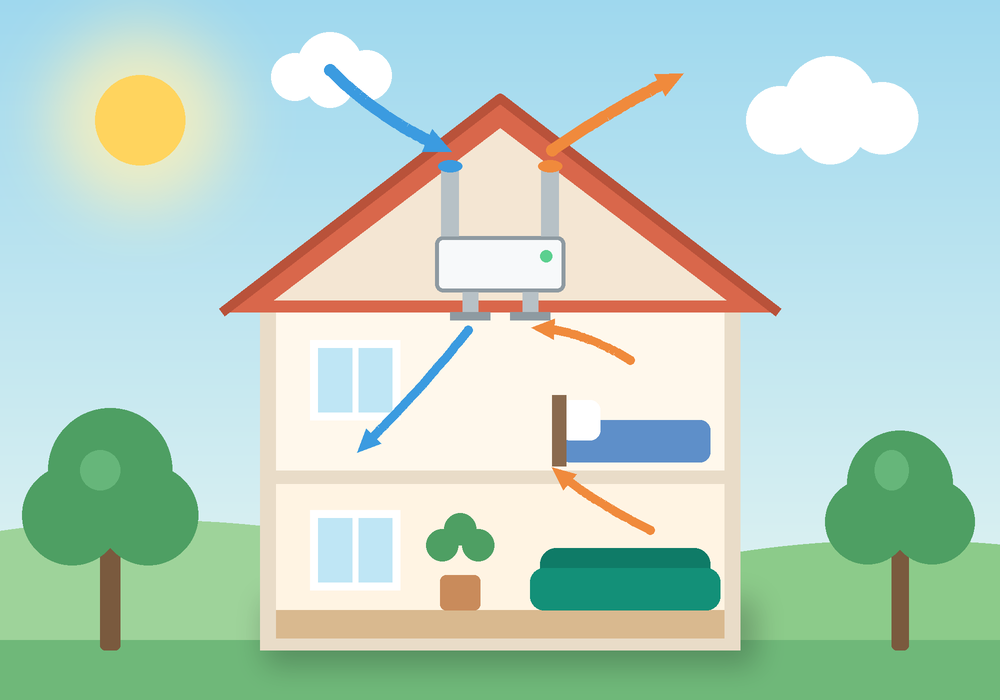
Control your Orcon, Itho, Vasco or ClimaRad from Homey. Read CO₂, humidity, temperatures and filter status, use your existing remotes as flow triggers and let Homey play a CO₂ sensor of its own.
- Mode auto · 31D9Ventilation unit29:233244
- 812 ppm · 1298Virtual CO₂ sensor37:215483
- High button · 22F1Remote29:173894
- Demand 42 % · 31E0CO2 15RF37:044778
Everything your ventilation can do, in Homey
The app talks to your ramses_esp over MQTT and turns every packet on the bus into devices, values and flows.
Ventilation unit
Set the fan mode, start a boost, reset the filter counter. CO₂, humidity, temperatures and bypass as soon as the unit reports them.
Read moreRemotes and sensors
A physical remote becomes a flow trigger. Room sensors become Homey devices with CO₂, humidity and battery.
Read moreVirtual CO₂ sensor
Homey binds to your unit as a CO₂ sensor and passes on the values of any Homey sensor. The unit in auto ventilates on them.
Read moreFlows
Triggers for fan mode, boost, buttons, new devices and every packet on the bus, plus sending raw frames.
Read moreBus view
Live traffic with decoded values, the device finder and a form to send a frame yourself.
Read moreProtocol
How RAMSES II works, which codes the app reads and sends, and how binding works.
Read more- 01
Set up the gateway
Wi-Fi and MQTT on your ramses_esp, once, through PuTTY.
- 02
Install the app
Install RAMSES ESP on your Homey Pro (2023) or Homey Pro mini.
- 03
Add devices
Homey finds the gateway and lists everything it hears on the bus.
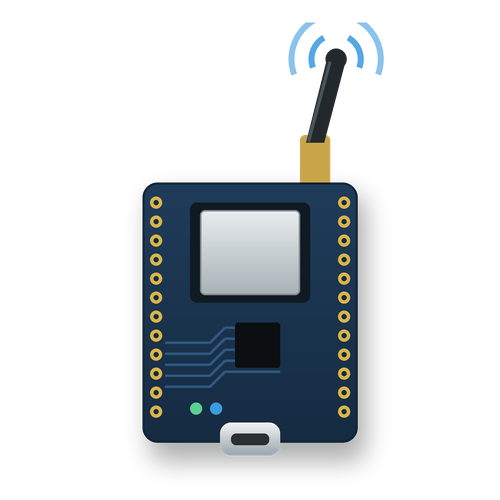
Elecram Sub-GHz Bridge
ESP32-C6 + CC1101
ramses_esp_c6Indalo-Tech RAMSES_ESP
ESP32-S3 + CC1101
ramses_esp